
If you decide Winning Ads isn’t the right fit for you, you can cancel your subscription at any time. Here’s how it works and the steps to follow.
🛠 Two Ways to Cancel
1. Contact Our Support Team
The simplest way is to contact us directly:
-
Email us at support@winningads.com
-
Our support team will manually process your cancellation.
2. Cancel via the Customer Hub (ThriveCart)
You can also cancel your subscription yourself via our customer hub:
-
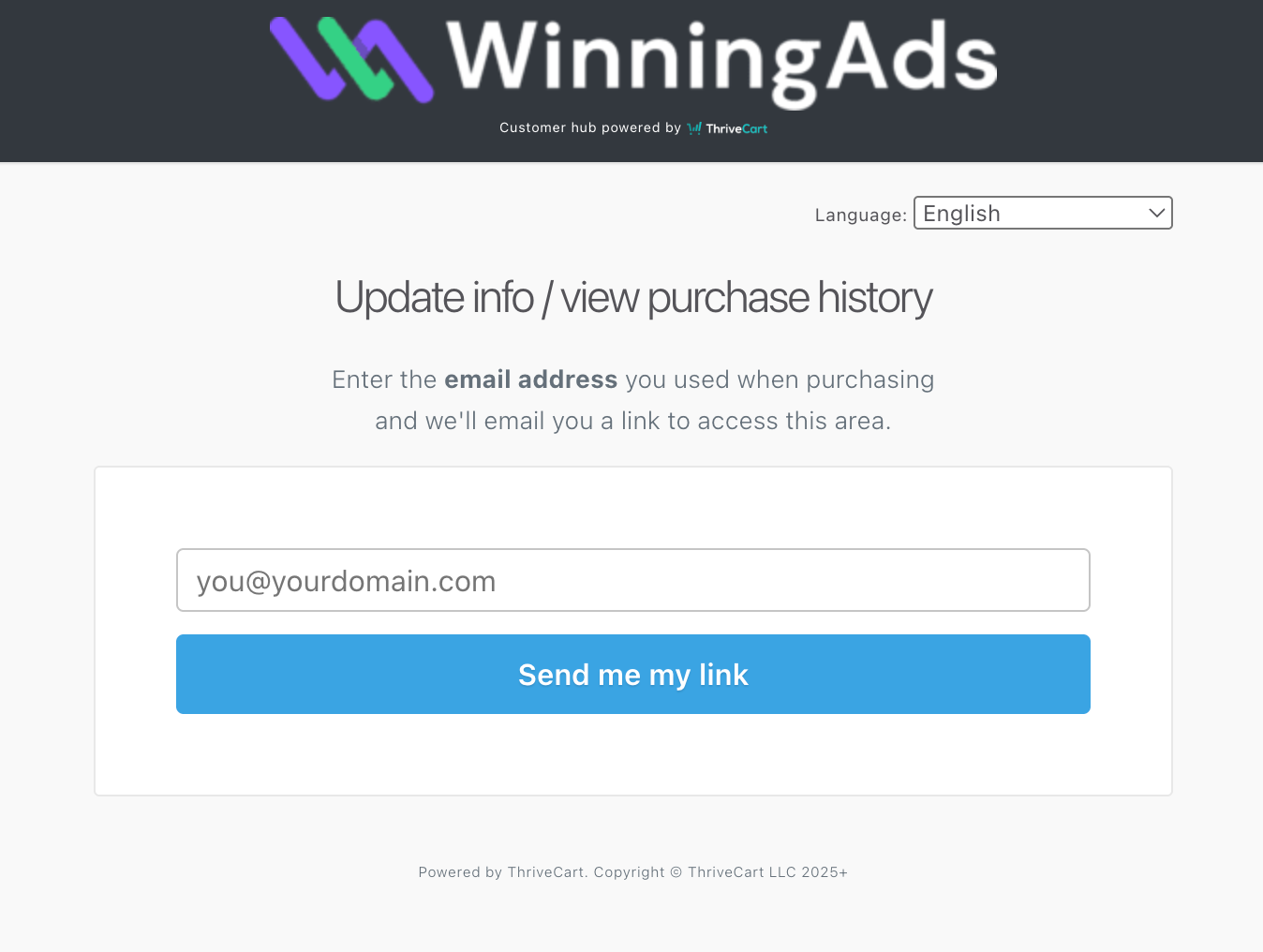
Enter the email address you used when purchasing Winning Ads
-
You’ll receive an email from ThriveCart with a secure link
-
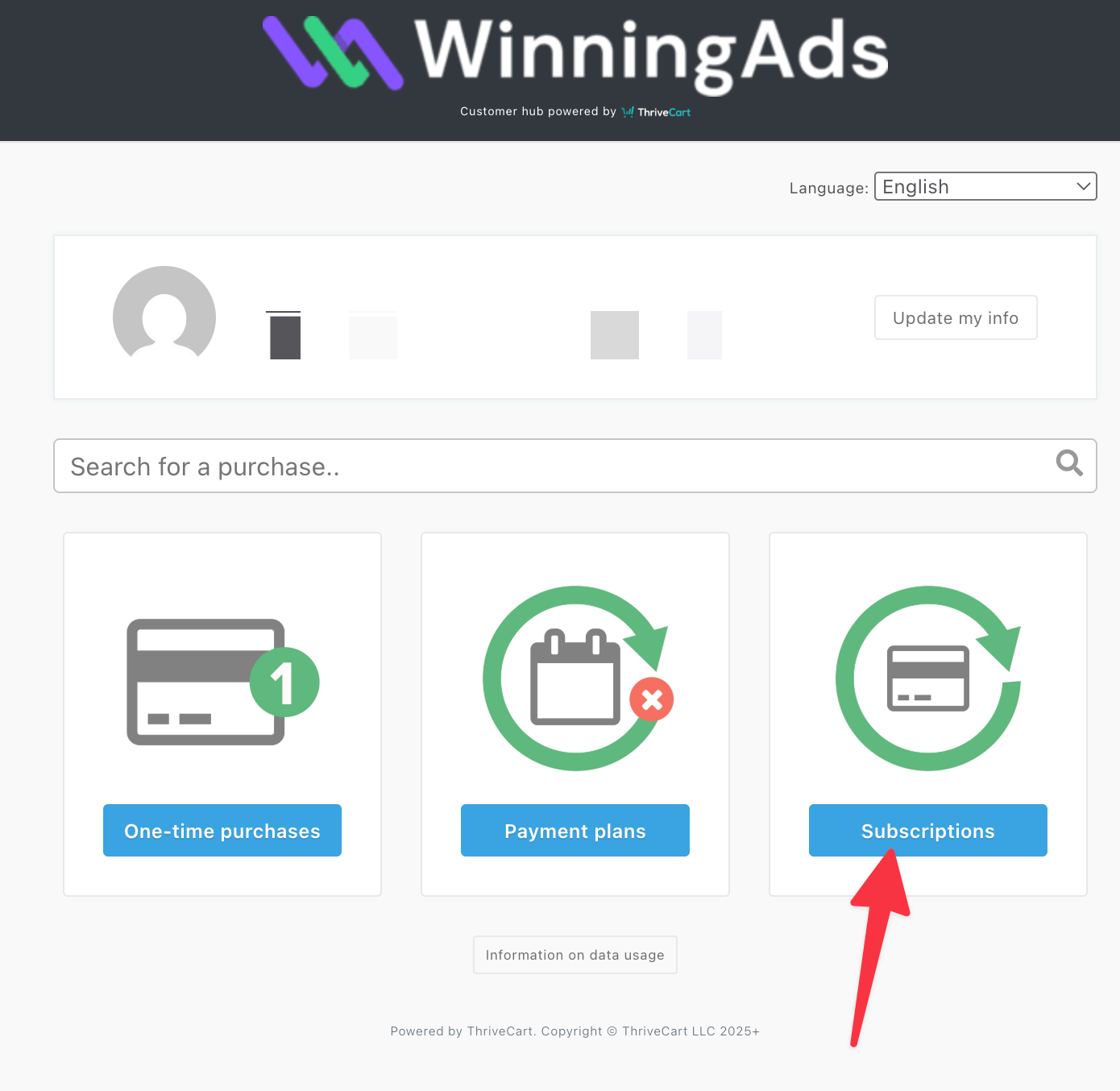
Click the link to access your purchase history
-
Select Subscriptions
-
Find your active Winning Ads subscription
-
Click Cancel Subscription
📌 Important Notes
-
Access until end of billing cycle – After cancellation, you’ll still have full access to Winning Ads until your current billing period ends.
-
No automatic refunds – Canceling stops future payments, but does not automatically trigger a refund. For refunds, please refer to our refund policy or contact support.
-
Multiple subscriptions – If you happen to have more than one subscription, every subscriptions needs to be cancelled.