
In Winning Ads, a project is essentially a site or ad creation workspace. If you no longer need a project, you can easily remove it from your account.
Steps to Delete a Project
-
Go to the Dashboard
From the main dashboard, you’ll see an overview of all your projects. -
Find the Project You Want to Delete
Locate the specific project in the Your Projects section. -
Click the Three Dots
On the right-hand side of the project row, click the three-dot menu.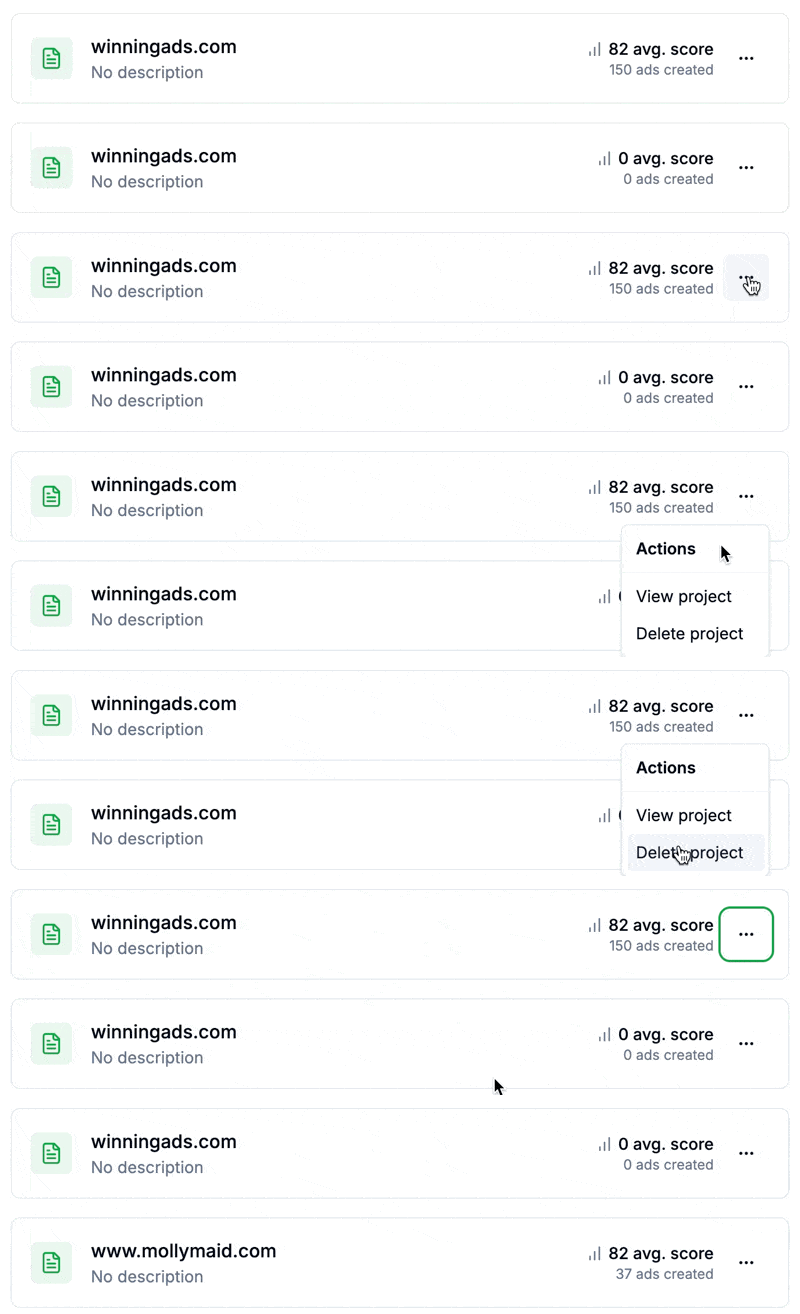
-
Select “Delete Project”
In the dropdown menu, click Delete Project.
The project will be immediately deleted from your account.