How to reconnect your Facebook pages
-
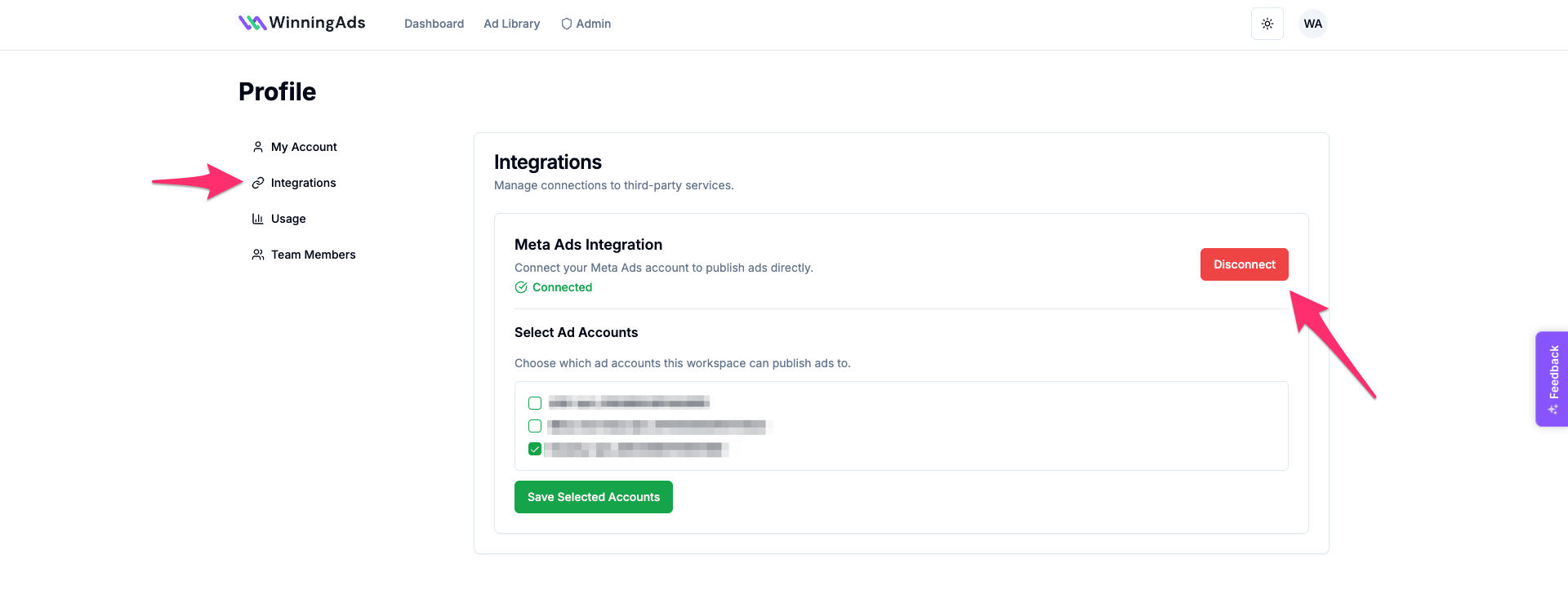
Go to your WinningAds profile (top-right corner).
-
Click on Integrations and select Disconnect.
-
Click Connect again. You’ll be redirected to Facebook to confirm the integration.
-
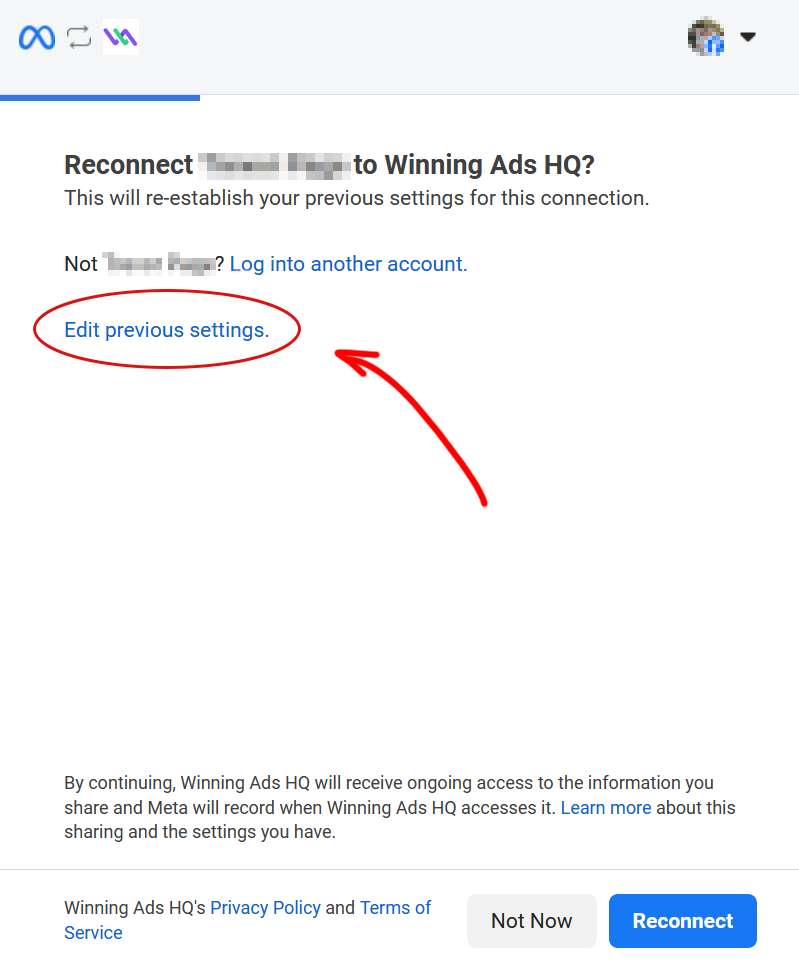
This step is crucial:
Don’t just reconnect. Click “Edit previous settings.”
- You’ll see a list of your Facebook pages.
Select all pages you want to use for publishing ads via WinningAds.
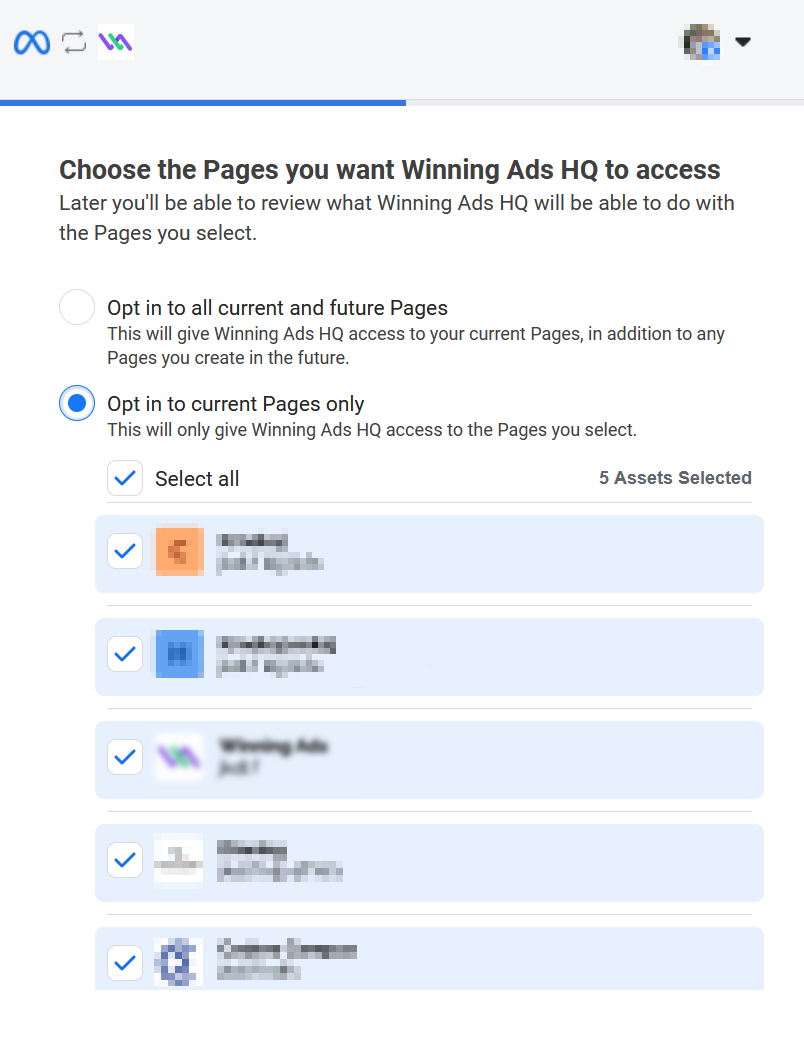
- Finish the reconnection process.
After this, your Facebook page should appear correctly when publishing ads in WinningAds.