How to Cancel Your Winning Ads Subscription
Written By Wilco
Last updated 9 months ago
If you decide Winning Ads isn’t the right fit for you, you can cancel your subscription at any time. Here’s how it works and the steps to follow.
🛠 Two Ways to Cancel
1. Contact Our Support Team
The simplest way is to contact us directly:
Use the in-app chat or email us at support@winningads.com
Be sure to ask to speak with a human agent (if you start with our AI assistant, just type “human”)
Our support team will manually process your cancellation.
2. Cancel via the Customer Hub (ThriveCart)
You can also cancel your subscription yourself via our customer hub:
Enter the email address you used when purchasing Winning Ads
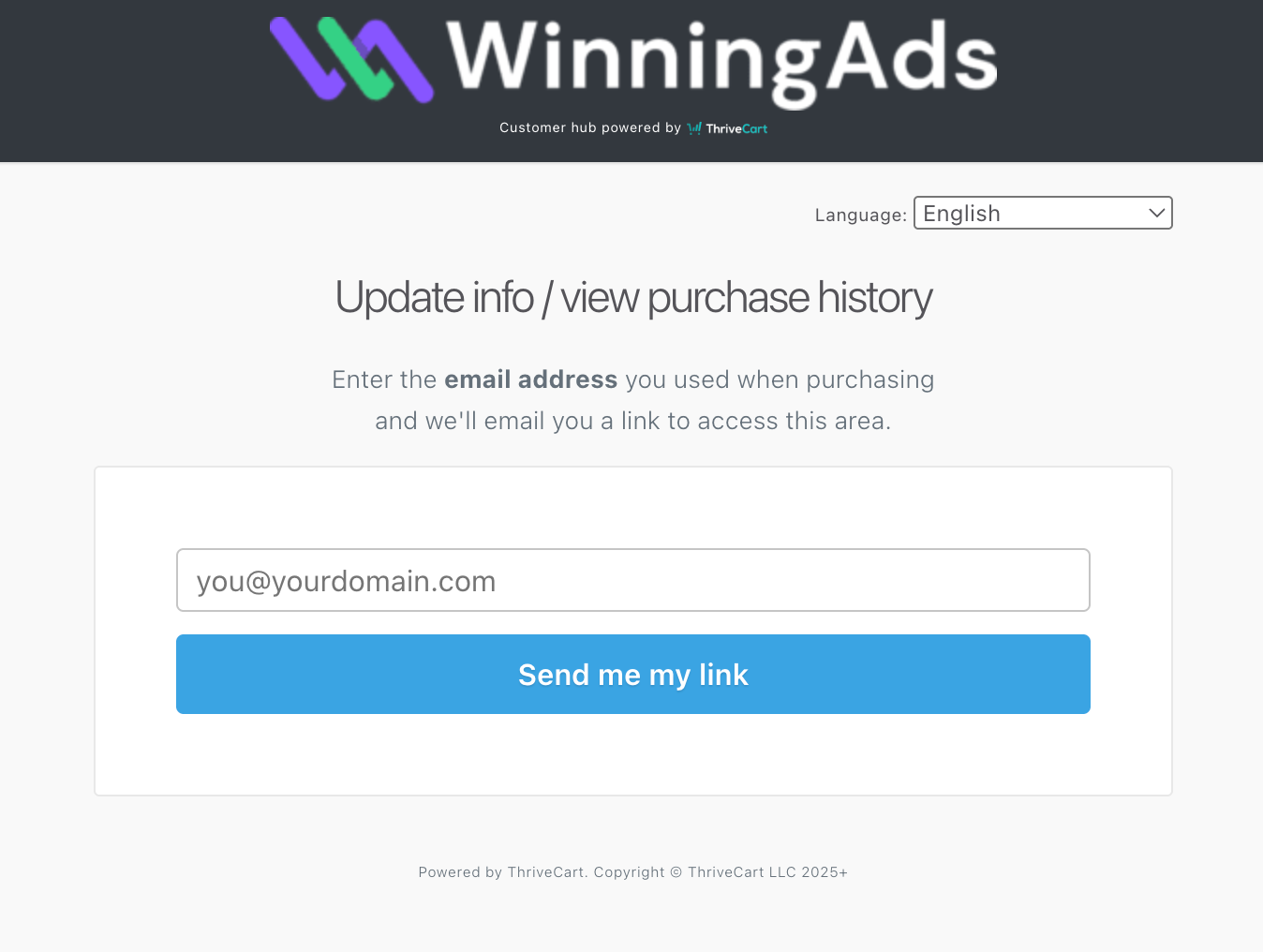
You’ll receive an email from ThriveCart with a secure link
Click the link to access your purchase history
Select Subscriptions
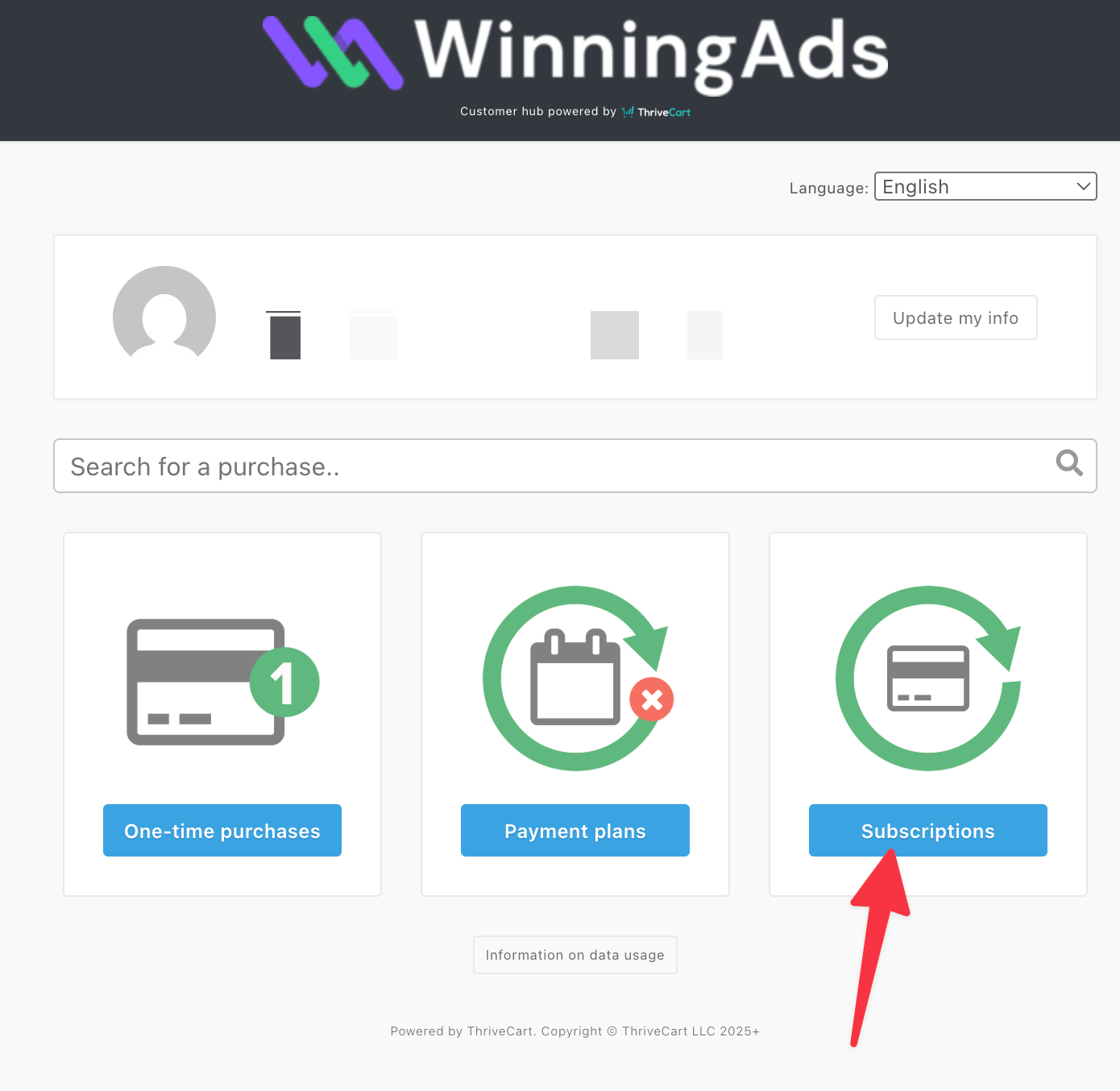
Find your active Winning Ads subscription
Click Cancel Subscription
📌 Important Notes
Access until end of billing cycle – After cancellation, you’ll still have full access to Winning Ads until your current billing period ends.
No automatic refunds – Canceling stops future payments, but does not automatically trigger a refund. For refunds, please refer to our refund policy or contact support.
Multiple subscriptions – If you happen to have more than one subscription, every subscriptions needs to be cancelled.