How to Delete a Project in Winning Ads
Written By Wilco
Last updated 10 months ago
In Winning Ads, a project is essentially a site or ad creation workspace. If you no longer need a project, you can easily remove it from your account.
Steps to Delete a Project
Go to the Dashboard
From the main dashboard, you’ll see an overview of all your projects.Find the Project You Want to Delete
Locate the specific project in the Your Projects section.Click the Three Dots
On the right-hand side of the project row, click the three-dot menu.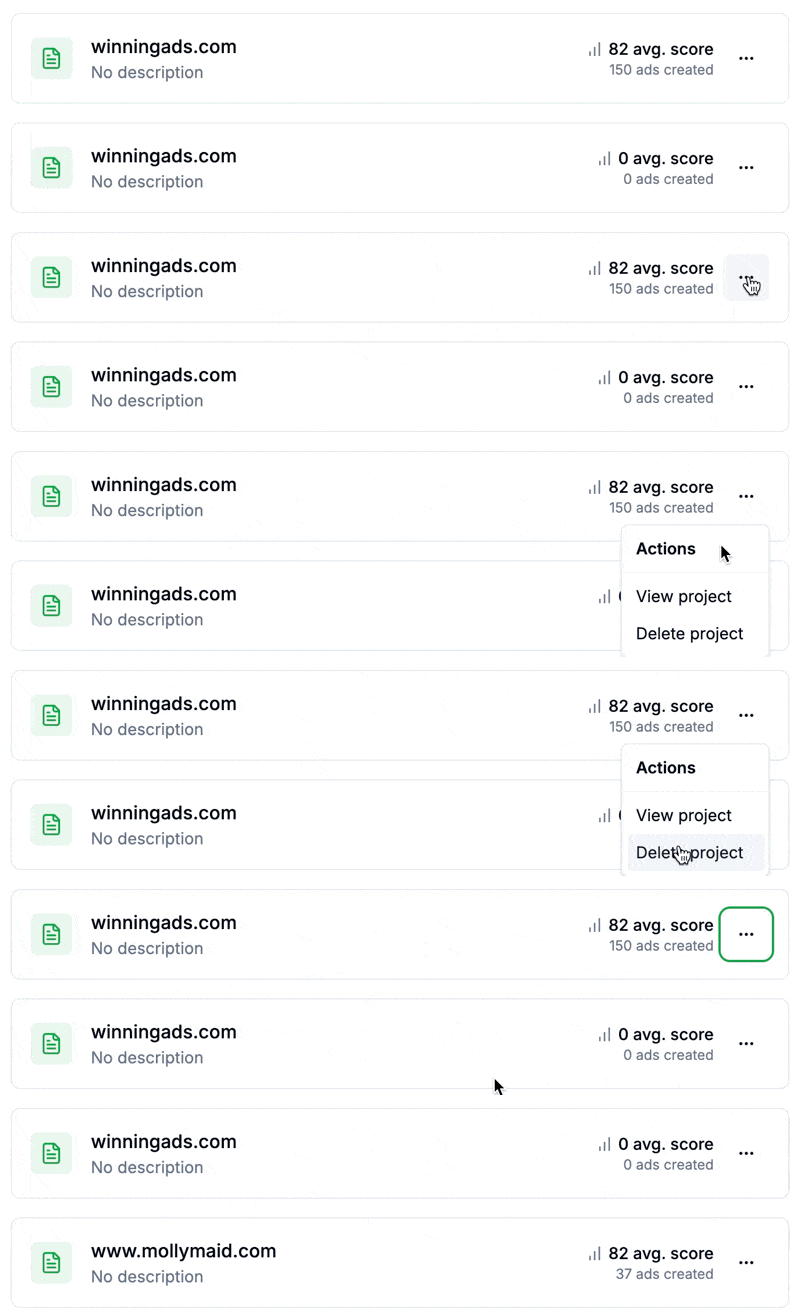
Select “Delete Project”
In the dropdown menu, click Delete Project.
The project will be immediately deleted from your account.